
Comparison · Updated July 2026
The best AI home inventory apps, and what AI can’t do
Point a phone at your living room and a model will name everything in it. That’s real, it works, and it saves you an afternoon of typing. It also won’t tell you where your passport is, because that isn’t in the photograph. Here are seven AI inventory apps with prices we checked ourselves, starting with ours, which has no AI at all.
Free • No item cap • No AI credits
Last reviewed 17 July 2026
The short version
- Best AI feature set you can use today: Vorby. Unlimited items on a paid plan, and it reads your email receipts.
- Best free AI recognition: ShelfLily. The only one here with no credit counter and no card.
- Clearest pricing in the category: Scanlily. Also the one that has quietly rebuilt Sortly’s item ladder with AI on top.
- The catch nobody mentions: AI tells you what you own. It cannot tell you where it is. If your problem is losing things rather than listing them, the expensive part isn’t the part you need.
Every one of them rations the AI
Not because they’re mean. Because each photo costs them money to read.
| App | What the free tier gives you | What unmetered AI costs |
|---|---|---|
| HomeZada | 5 AI photos, 10 AI chats | $99/yr (Premium) — still credit-metered |
| MovingBox | 50 items, one photo each | $4.99/mo, $44.99/yr, or $129.99 once |
| Scanlily | 500 items, 1 user | $9/mo → $75/mo by item count |
| Bevel | Nothing — no free tier | $60/yr, or $250/yr for multiple properties |
| Dib | Unlimited items, metered "Smart Add" | $149.99/yr |
| Vorby | Free tier, limits not published | $7/mo, or $60/yr |
| iFoundIt | Everything, no cap | No paid tier — because there’s no AI to pay for |
Every figure above verified July 2026 at each vendor’s own pricing page. This category changes faster than any other we track, so check before you buy.
Look down that middle column. Five AI photos. Fifty items. Five hundred items. Nothing at all. Those are the free tiers of the AI inventory category in July 2026, and they tell you something the marketing doesn’t.
Running a photo through a model costs the vendor real money, every single time. Storing the words “loft, blue crate” costs approximately nothing. That one fact explains every price on this page. It’s why HomeZada sells you AI credits in packs of 300. It’s why Scanlily counts your items. It’s why Bevel doesn’t have a free tier at all.
It’s also why we can afford to be free with no item ceiling, and we’d rather say that plainly than pretend it’s because we’re nicer than they are. We’re not paying for inference on your shelves. They are.
So when you read that an app gives you unlimited AI recognition free forever, you’re being told about a funding round, not a business model. Ask what it costs in year three.

The best AI home inventory apps
Every app below has a store listing or a working product, a price we could find and print, and enough of a track record to be reviewable. We checked each one ourselves.
That bar removed more of this category than we expected. AI home inventory is where home inventory was in 2014: full of announcements. Several of the apps that “best of 2026” lists are currently recommending have no ratings at all, and several of those lists are published by the apps they recommend. We’ve named the ones we left out and why, so you can disagree with us.
iFoundIt
Our pickBest for: Finding things, rather than listing them
- Free tier:
- Free, no item cap
- Paid from:
- No paid tier
- Platforms:
- iOS, Android
Let’s get the obvious thing out of the way: iFoundIt has no AI photo recognition. It won’t look at your living room and name the furniture. If that’s what you came here for, skip to Vorby and we won’t be offended.
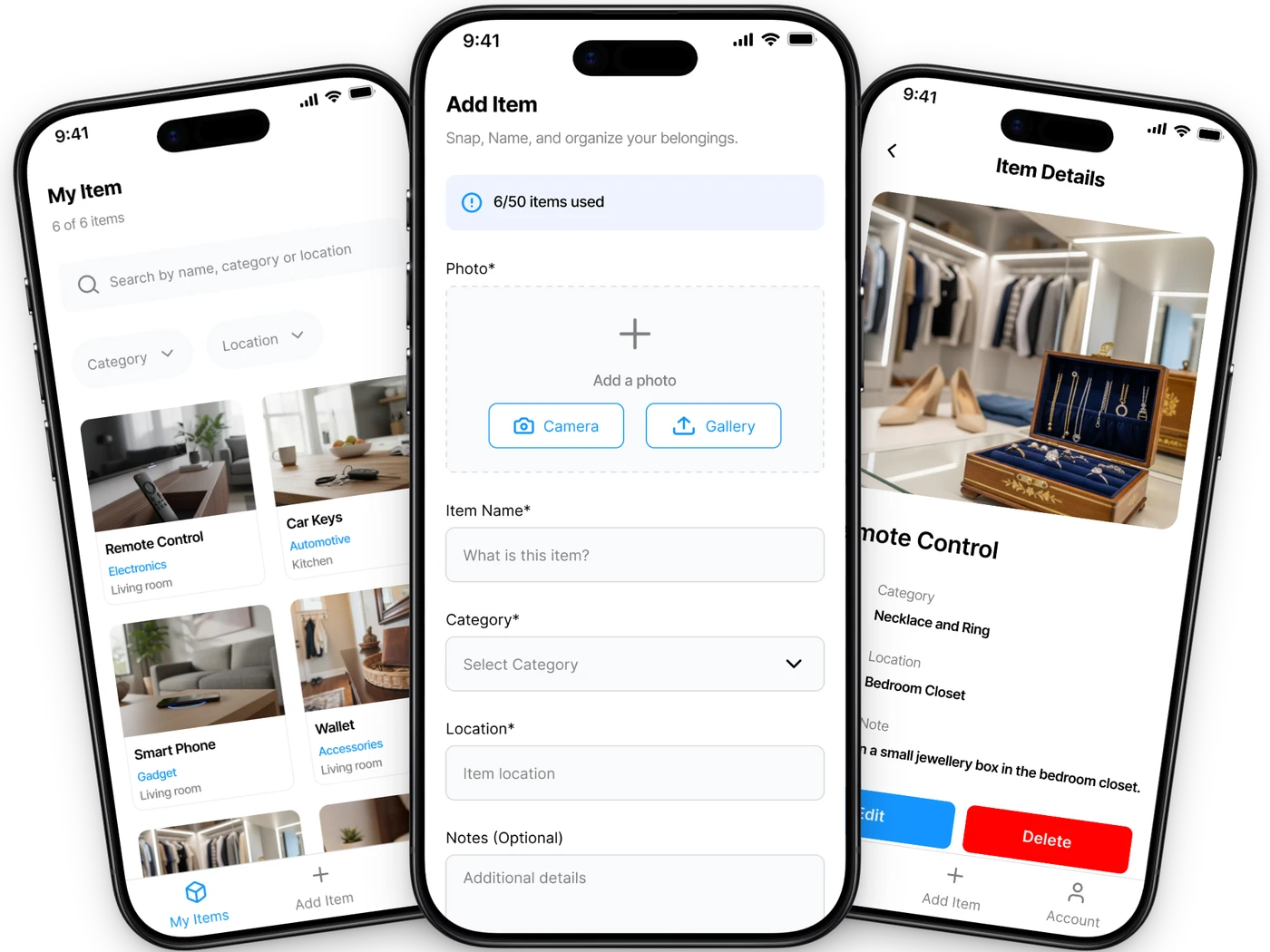
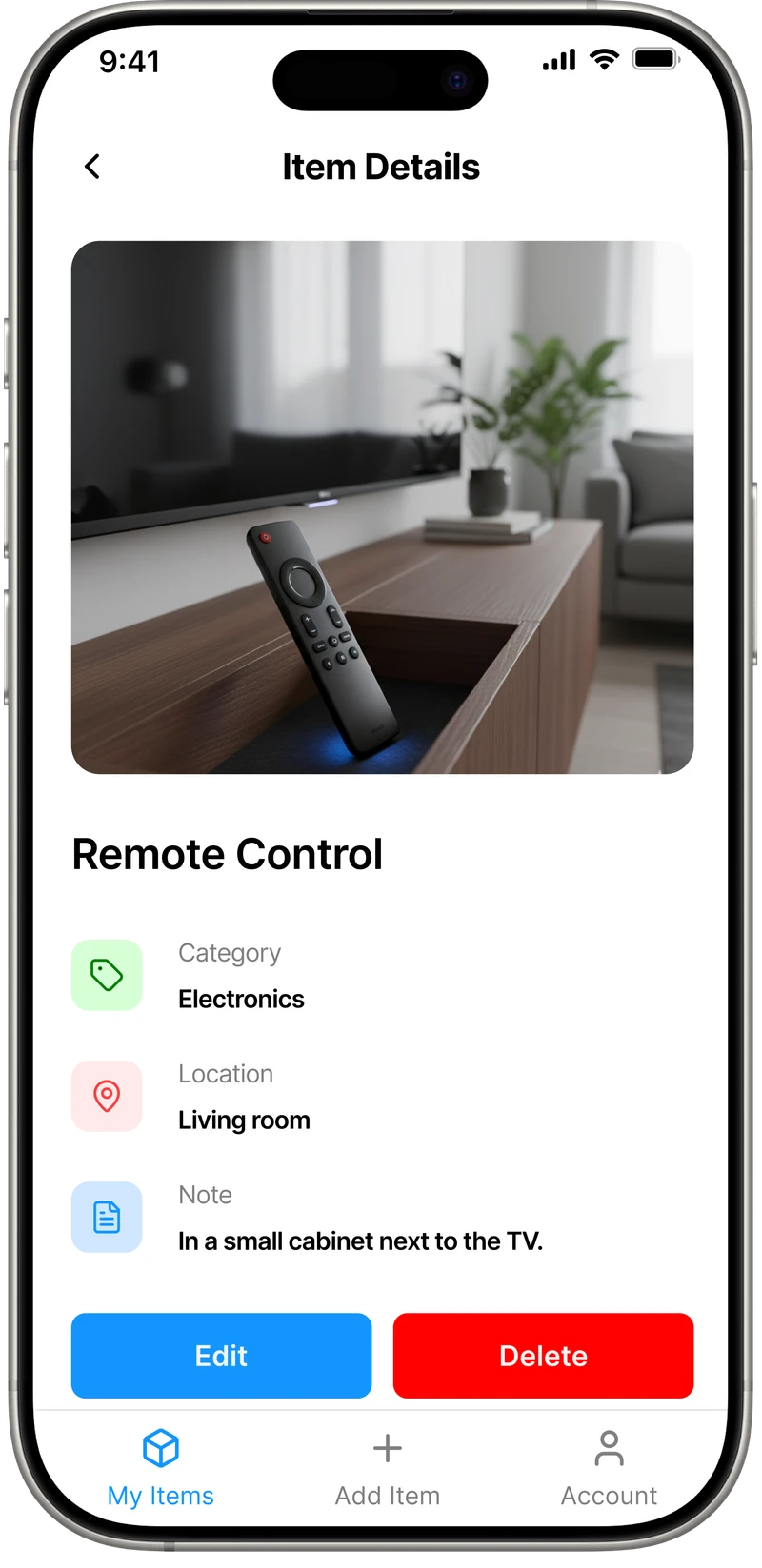
What it does is the other half of the job. You photograph an item, give it a name and a location (“loft, blue crate”, “kitchen drawer two”), then move on. About ten seconds each. Later you search “passport” and it tells you where the passport is. The full list lives on the features page.
The reason it’s free with no item ceiling isn’t generosity, it’s arithmetic. Reading a photo with a model costs real money every time you do it, which is why every app below rations it. Storing the words “loft, blue crate” costs approximately nothing. We can afford to let you catalogue your whole house because we’re not paying for inference on each shelf.
- Free with no item ceiling and no AI credits to run out of
- You type the location, so the app knows where things are
- Works offline, with Face ID or fingerprint lock
- Ten seconds an item is fast enough that people finish
- No AI recognition: you name your own items
- No replacement-value estimates
- Android install is a direct APK, not a Play listing
Pick it if your actual problem is finding things, and you’d rather type six words than pay per photo.
Vorby
Best for: The most complete AI inventory that ships today
- Free tier:
- Yes, limits not published
- Paid from:
- $60/yr
- Platforms:
- Web, iOS
If you want the AI pitch delivered properly, Vorby is the one we’d look at first. Photo recognition identifies items, sorts them by room, and the receipt parsing reads your email inbox to pull purchase details in without you typing them. That last feature is genuinely clever and nobody else here does it as well.
Paid plans are unlimited items, which matters, because it means you aren’t doing arithmetic about your own house. At $60 a year that’s the cheapest unmetered AI on this page by some distance.
The gap: Vorby advertises a free tier and doesn’t say anywhere we could find what its limits are. We don’t like that and we’re not going to guess on their behalf. There’s also no Android app listed, so half the planet is on the web version.
- Unlimited items on paid, rather than an item ladder
- Email receipt parsing fills in purchase details
- Cheapest unmetered AI recognition here
- Real-time sync between web and iOS
- Free tier limits aren’t published anywhere we could find
- No Android app
- You’re trusting it with inbox access
Pick it if you want AI to do the cataloguing and you’d rather pay once a year than per credit.
HomeZada
Best for: Whole-home management, not just contents
- Free tier:
- Essentials: 5 AI photos, 10 AI chats
- Paid from:
- $99/yr
- Platforms:
- Web, iOS, Android
HomeZada is the grown-up of this list. It’s been around far longer than the rest, and inventory is only one part of it: maintenance schedules, remodel projects, home finances, multiple properties. If you want software that treats your house as an asset, this is the real one.
Its AI is the clearest illustration of the point this whole page is making. The free Essentials plan gives you five AI photos. Five. Recognition AI proper sits on the $99/yr Premium plan, and even there you’re spending credits — 100 AI chats, 20 design photos, and $25 buys 300 more when you run out.
That isn’t HomeZada being stingy. It’s what AI recognition costs when someone has to pay the bill, and they’re being more transparent about it than most. Deluxe at $189/yr covers up to three properties, then $99 a year per property after that.
- Genuinely established, with years of track record
- Far more than inventory: maintenance, projects, finances
- Multiple properties on the Deluxe plan
- Honest, itemized pricing you can actually read
- Free tier’s AI is five photos, which is a demo, not a plan
- AI is credit-metered even after you’ve paid
- Much more app than someone who just loses their keys needs
Pick it if you’re managing a property, not looking for your hex keys.
Scanlily
Best for: Transparent pricing, if you can live with caps
- Free tier:
- 500 items, 1 user
- Paid from:
- $9/mo
- Platforms:
- iOS, Android, web
Credit where it’s due: Scanlily publishes its entire pricing ladder on one page, in a table, with the item counts written down. After the afternoon we spent trying to find out what some of these apps cost, that deserves saying out loud.
AI photo recognition describes and categorizes what you shoot, natural-language search works well, and there’s an optional QR label system — and a nice touch, items with a purchased Scanlily label don’t count toward your item limit. The free tier at 500 items is five times Sortly’s, which is not nothing.
But look at the shape of that ladder: free is 500 items and one user, then $9 a month, then $35 for 2,000 items and five users, then $75 for 5,000. Priced by record count, tiered by seats. That is Sortly’s model exactly, with AI bolted on top — the same model we spent a whole page arguing is wrong for households. A house isn’t doing anything with 2,000 records. It just owns them.
- The clearest pricing page of anything here
- 500-item free tier is genuinely generous to start
- iOS, Android and web
- QR-labelled items don’t count against your cap
- Priced by item count, the way business tools are
- Free tier is one user
- A whole house will pass 500 items and land you on a ladder
Pick it if you want AI, you want to know the price up front, and 500 items covers you.
ShelfLily
Best for: Free AI recognition with no ladder
- Free tier:
- Free
- Paid from:
- Free
- Platforms:
- iOS, Android, web
ShelfLily comes from the Scanlily team and is the free, simpler take on the same idea: photograph a thing, let the AI describe it, search your shelves in plain English. It leans toward collections — it’ll pull authors and genres off book spines — and it does barcode and QR scanning too.
It’s billed as free, with no tiers published. We’d treat that with mild caution rather than suspicion: it shares a company and a QR label system with Scanlily, which is very much not free, so it’s reasonable to wonder where this lands in two years. But right now it’s the only AI recognition on this page you can use without a credit counter or a card.
- Free AI recognition with no published cap
- Strong on books and collections
- Barcode and QR scanning included
- iOS, Android and web
- No pricing tiers published, so the future is unclear
- Narrower than the full inventory apps here
- Same company as a paid, item-capped product
Pick it if you want to try AI cataloguing without paying anyone anything today.
Bevel
Best for: Insurance documentation after a disaster
- Free tier:
- None
- Paid from:
- $60/yr
- Platforms:
- Web
Bevel builds an insurance-ready inventory from video and photos of your rooms, checks current prices for what it finds, and exports a report you can hand an insurer. It came out of the 2025 Los Angeles fires, and its testimonials are from people who lost houses. The underinsurance problem it’s pointed at is real and badly served.
Two things to be straight about. There is no free tier — Standard is $60 a year (marked down from $100) for one property, Estate is $250 a year for unlimited properties with art and jewellery galleries. And it’s still behind “Get Early Access”, which is why we’ve got it here rather than higher up.
If you’ve seen Bevel described as completely free, that was true of an earlier incarnation and isn’t now. We checked their pricing page in July 2026. It’s worth checking again yourself, because this one is clearly still moving.
- Built for the underinsurance problem specifically
- Video of a room, rather than item-by-item photos
- Price checking aimed at replacement cost
- Unlimited items on the standard plan
- No free tier at all
- Still gated behind early access
- Web only, and pricing has changed before
Pick it if your reason for doing this is an insurance number, not a Tuesday afternoon.
The photo app on your phone
Best for: AI you already own
- Free tier:
- Free
- Paid from:
- Free
- Platforms:
- Anything
A page about AI recognition that doesn’t mention this isn’t being straight with you. Apple Photos and Google Photos already do object recognition, for free, on photos you’ve already taken. Search your own camera roll for “bicycle” and see what comes back. It’s better than people expect.
For a shortlist of valuables, that plus a folder is a legitimate answer, and it costs nothing and needs no account.
It falls down in exactly the same place every app on this page falls down, only harder. It can find you a picture of your passport. It has no idea where the passport is. And a camera roll has no structure, so at 400 items you’re scrolling, not searching.
- Free, installed, and already full of your things
- Object search genuinely works
- No locations, no structure, no export
- Recognises objects, not your specific objects
- Unusable as a list once it’s big
Pick it if you want to spend nothing and no time, and you own thirty things worth listing.
What didn’t make the list
We hold this page to the same bar as our Sortly page: a findable listing, a published price, and more than single-digit ratings. These three are interesting and didn’t clear it. That’s a comment on how new they are, not on how good they’ll be.
Dib
Recommended as the best AI inventory app by more than one roundup we read. Its App Store listing says “this app hasn’t received enough ratings or reviews to display an overview”, and Pro is $149.99 a year. That’s over half of Sortly’s price, from an app with no rating yet. It may well turn out excellent. It isn’t reviewable today.
MovingBox
Genuinely interesting: video analysis of a whole room, replacement-value estimates, and a $129.99 lifetime option, which is a rare and welcome thing. But it has four ratings. Four. We hold ourselves to the same bar we set on our Sortly page, so it doesn’t get a slot yet. Ask us again in a year.
Declutter AI
Android, AI valuation, barcode and receipt scanning. We couldn’t confirm its pricing from a source we trusted well enough to print, so we’ve left it out rather than guess.
If any of these has shipped properly since we last looked, tell us and we’ll re-review. We’d rather be corrected than be stale.
All seven, side by side
Free tiers are where the difference shows up, and in this category they’re where the AI stops.
| App | Free tier | Paid from | Platforms | Best for |
|---|---|---|---|---|
| iFoundIt | Everything, no cap | No paid tier | iOS, Android | Finding things again |
| Vorby | Yes, limits unpublished | $60/yr | Web, iOS | The fullest AI feature set |
| HomeZada | 5 AI photos | $99/yr | Web, iOS, Android | Managing a whole property |
| Scanlily | 500 items, 1 user | $9/mo | iOS, Android, web | Pricing you can read |
| ShelfLily | Free | Free | iOS, Android, web | Free AI, no ladder |
| Bevel | None | $60/yr | Web | Insurance documentation |
| Your photo app | Free | Free | Anything | A shortlist of valuables |
iFoundIt vs Scanlily, in detail
We picked Scanlily for this because it’s the one whose every number we could verify. It’s also the fairest fight: it does the AI thing properly.
| Feature | iFoundIt | Scanlily |
|---|---|---|
| AI photo recognition | ||
| Natural-language search | ||
| Free plan item limit | No cap | 500 items |
| Free plan users | 1 | 1 |
| Cheapest paid tier | No paid tier | $9/mo |
| Cost at 2,000 items | Free | $35/mo |
| You set the location | ||
| Search by name & location | ||
| Works offline | ||
| Export to PDF | ||
| Face ID / fingerprint lock | ||
| QR-code labels | ||
| Web dashboard | ||
| Priced by item count |
Where Scanlily genuinely wins
It recognizes your things so you don’t have to name them, and its natural-language search is better than ours. It has QR labels, a web dashboard and a proper Android app, none of which we have. If your job is cataloguing a lot of stuff quickly, it will get you there faster than we will. That’s a real advantage and we’re not going to talk you out of it.
Where iFoundIt wins
Scale, for free, and offline. A whole house passes 500 items somewhere around the second bedroom, and after that you’re on a ladder that reaches $75 a month. We don’t have a ladder. We also work on a plane, behind Face ID, with no account needed to open the app.
Comparison based on publicly available information as of July 2026 and subject to change. Vorby, HomeZada, Scanlily, ShelfLily, Bevel, Dib, MovingBox and Declutter AI are trademarks of their respective owners; iFoundIt is not affiliated with, endorsed by, or sponsored by any of them. If we’ve got something wrong, tell us and we’ll correct it.
What AI does, and what it doesn’t
Five things worth knowing before you pay per photo.
It’s genuinely good at naming things
This is not a page about AI being rubbish. Point a decent model at a shelf and it will tell you there’s a stand mixer on it, and it will be right. For the tedious part of a home inventory — typing “stand mixer” four hundred times — that is a real saving.
It cannot see where anything is
A photo of your loft contains a blue crate. It does not contain the fact that your passport is inside the blue crate. No model can extract information the picture never had. The one piece of data that answers “where did I put it” is the one piece AI can’t generate for you.
Someone pays per photo
Every recognition call costs the vendor money. That’s why the free tiers here are five photos, or fifty items, or five hundred, or nothing at all. It isn’t meanness, it’s a bill. Any app promising unlimited free AI forever is telling you about its funding round, not its pricing.
It recognizes a camera, not your camera
Models return categories. “Digital camera.” What an insurer wants is a make, a model, a serial number and a receipt. That gap matters at claim time, and closing it means typing, whichever app you picked.
Your rooms go to a server
Recognition mostly happens in someone else’s data centre, which means photographs of the inside of your house leave your phone. That may be a perfectly fine trade. It’s worth making on purpose rather than by accident, so read what they keep and for how long.

That caption is the whole argument, so it’s worth sitting with. Recognition reads a photograph. A photograph of a closet contains boxes. It does not contain the fact that your daughter’s birth certificate is in the second one from the left, because that fact was never in the picture. No amount of model quality fixes this. The information isn’t there to extract.
Which means the location — the one piece of data that answers where did I put it — gets typed by a human in every app on this page, including the $149.99-a-year one. AI can save you the word “passport”. It cannot save you the words “loft, blue crate”.
So the question isn’t whether AI is impressive. It is. The question is which half of the job you’re actually stuck on. If you need a list of what you own for an insurer, buy the recognition, it’s worth the money. If you keep losing things, you’re buying an expensive solution to the part you weren’t struggling with.
Try a photo inventory before choosing an app
Our guide to creating a searchable home inventory from photos walks through photography, names, locations and the details to check in AI suggestions.
Questions, answered
What is the best AI home inventory app?
For the fullest AI feature set that you can actually use today, Vorby: photo recognition, unlimited items on its paid plan, and email receipt parsing that fills in purchase details for you. HomeZada is the more established product if you want to manage a whole property rather than just its contents, and Scanlily publishes the clearest pricing of anyone in the category. If you want free AI recognition with no ladder attached, ShelfLily is currently the only one offering it.
Can AI really build a home inventory from a photo?
Yes, and it is better at it than most people expect. Point a current model at a shelf and it will identify a stand mixer, a toaster and a kettle, and it will usually be right. What it produces is a list of what you own. That is genuinely most of the tedious work in building an inventory for insurance, and it is a real saving over typing every item by hand.
Will an AI home inventory app tell me where I put something?
No, and this is the thing to understand before you pay for one. A photograph of your loft contains a blue crate. It does not contain the fact that your passport is inside that crate, so no model can extract it. AI recognition answers "what do I own?" Finding something answers "where is it?" Those are different questions, and the location has to come from you no matter which app you use.
Does iFoundIt use AI?
No. iFoundIt has no photo recognition and does not estimate values. You photograph an item, name it, and say where it lives, which takes about ten seconds. We are not against AI recognition and we think it is genuinely useful for cataloguing. It just does not answer the question our app exists to answer.
Are AI home inventory apps free?
Mostly not, and the ones with free tiers meter them tightly. Expect a handful of free AI photos, or a cap of a few dozen to a few hundred items, before you are asked to pay. Some have no free tier at all. This is not vendors being difficult: every recognition call costs them money in a way that storing text does not, so an app that gives away unlimited AI forever is describing its investors rather than its business model.
Is AI photo recognition accurate enough for an insurance claim?
It is a good start and a poor finish. Recognition returns categories, so you get "digital camera" rather than the make, model, serial number and purchase date an adjuster will ask for. Use AI to get the list built quickly, then go back and add the specifics for the items that would genuinely hurt to lose. The valuable detail is still typed by a human.
Do I need an AI app to make a home inventory?
No. AI shortens the cataloguing, which is worth something if you are documenting a whole house for insurance. It does nothing for retrieval, which is what most people actually want when they start looking. If your reason for doing this is that you keep losing things, the location data matters far more than the recognition, and you are going to type that yourself either way.
Do AI inventory apps send photos of my house to a server?
Generally yes. Recognition usually runs in the vendor’s data centre rather than on your phone, which means pictures of the inside of your home leave your device and are processed elsewhere. That can be a perfectly reasonable trade for the convenience, but it is worth deciding on purpose. Read what each app retains, for how long, and whether you can delete it.
More questions about the app itself? We’ve answered those here →
More ways to use iFoundIt
No AI. No credits. No item cap.
iFoundIt does the half of the job the models can’t: it remembers where you put things. Free, on iOS and Android.
Free • No account needed to browse • Works offline