
Home organization
The home organization app that remembers what is in every box
Storage containers solve one problem and create another. Your things are tidy, off the floor, and completely invisible. iFoundIt records what went into each bin so you can search for the thing you want instead of opening five lids to find it.
Free to download • Works offline
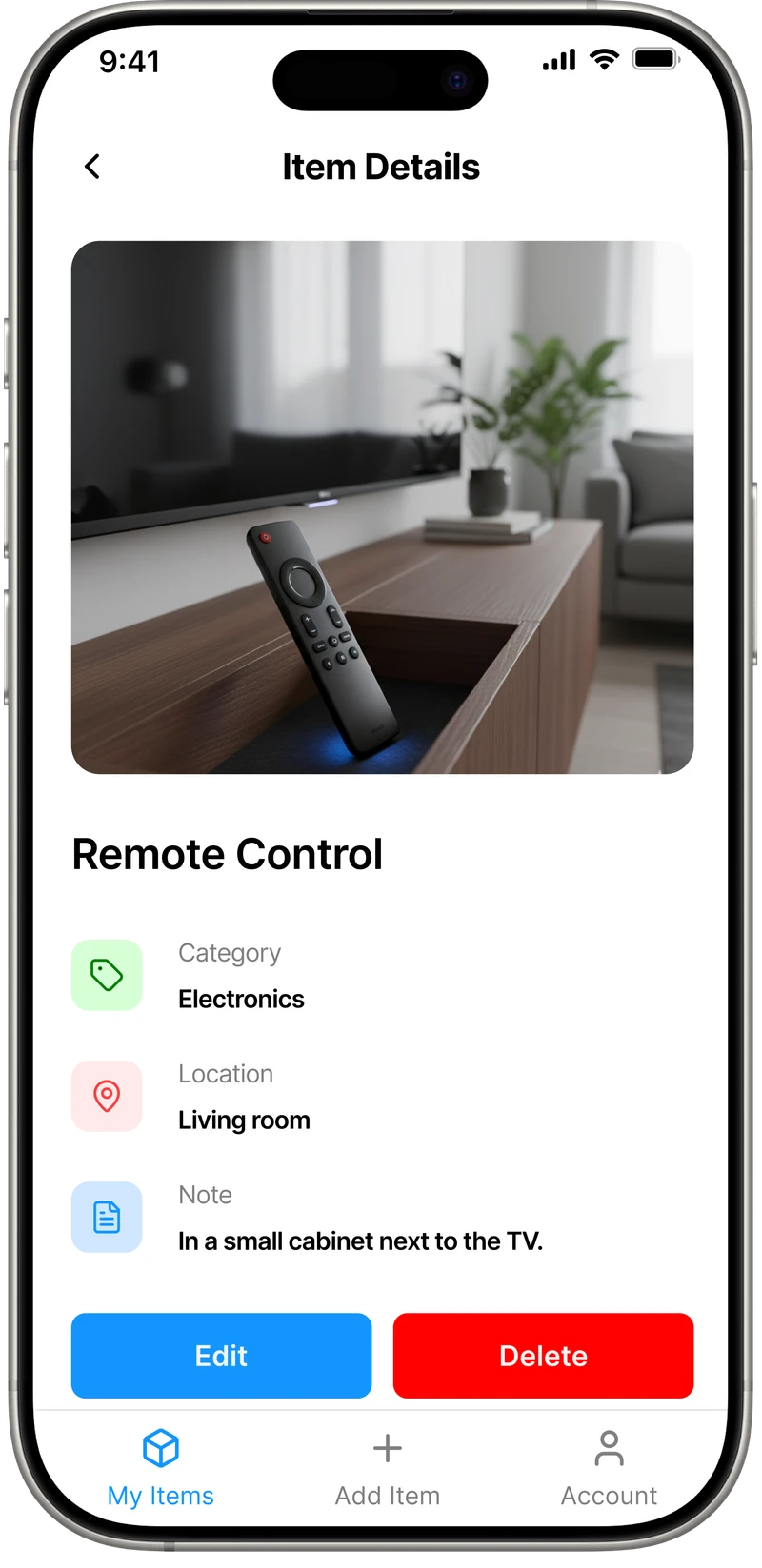
A place for everything
Assign every item to a room, a shelf, or a specific bin so the whole house has a structure you can search.
Find it in seconds
Type what you want. The app tells you which container it went into and which room that container is in.
Stop buying duplicates
Check what you already own before you shop. Most of us own three tape measures for this exact reason.
Tame your storage
Label bins digitally instead of scribbling on tape that goes out of date the moment you swap something out.
Keep it tidy
A living record survives the big tidy-up. That is the part most organizing systems get wrong.
Works anywhere
Catalogue the garage, attic, or basement with no signal at all. It syncs later when you are back in range.
How to know what is in a storage bin without opening it
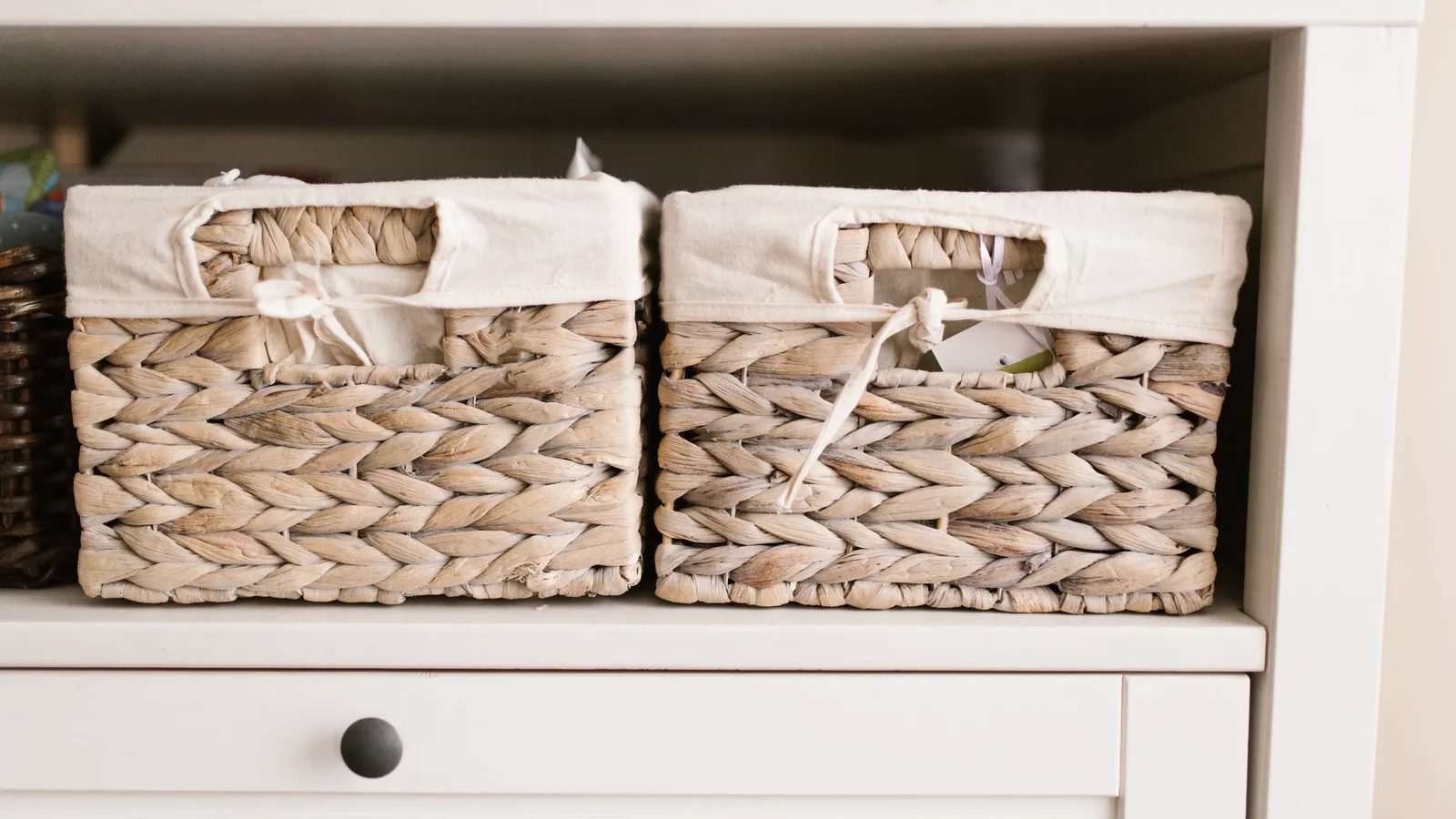
Opaque bins are the standard advice for home organizing, and they work. They stack, they keep dust out, and they make a garage look calm. They also hide everything you own behind a grey lid, which is why you end up pulling down four bins to find the Christmas lights.
There are three common fixes, and it is worth being honest about the trade-offs of each.
Clear bins. You can see roughly what is in there, but only the top layer, and only if the bin is at eye level. Clear plastic also goes cloudy and costs more. Fine for a linen closet, weak for a deep garage shelf.
Writing on the bin. A label maker or masking tape and a marker. This works right up until the contents change, which they always do. Six months later the bin says Kitchen and contains cables. Written labels also force you to summarise, so “Camping” is doing a lot of work for 40 items.
A digital record. Photograph each item as it goes in and tag it with the bin it went into. The bin gets a number and nothing else, and the list lives on your phone where you can search it. Update an item and the record updates. Nothing needs relabelling.
The third option is what iFoundIt does, and the reason is boring but important: the label on a bin can only hold about four words, and your phone can hold four hundred. Search “tent pegs” and you get the bin number and the room. No lids come off until you are standing at the right one.
It also fixes the duplicate problem. Before you buy another set of Allen keys, search first. If you want the longer version of this, our guide on keeping track of where you put things covers the everyday habits, and the room-by-room checklist is a good way to start without stalling.
How it works
Snap and sort
Photograph each item and give it a location as you tidy. About ten seconds each.
Search anytime
Look anything up months later and go straight to the right bin.
Stay organized
Move something, update it. The record stays true instead of slowly rotting.
Five rules that make a home organizing system survive
Most systems fail in month two, not week one. These are the parts that decide whether yours is still working next year.
Number the bins, do not name them
A bin called “Bin 14” never becomes wrong. A bin called “Winter” is wrong the moment you put a fan heater in it. Put the meaning in the app, where it can change, and keep the physical label permanent and stupid.
Photograph as you pack, not after
Cataloguing a sealed bin means unsealing it. Doing it at pack time costs you a few seconds per item and nothing else. Almost everyone who tries to do it later gives up, which is the most predictable failure in home organizing.
Record the location, not the category
“Tools” does not tell you where the tools are. “Garage, shelf B, bin 7” does. Categories help you browse, but locations are what you actually need at the moment you are looking for something.
Be strict about the boring stuff
Cables, chargers, batteries, spare screws, and seasonal decorations are what people actually lose. Nobody misplaces a sofa. Give the small, dull, duplicate-prone things the most attention and the system pays for itself quickly.
Do one room, then stop
The garage is the worst place to start because it is the biggest. Do a single closet in an evening and let the habit prove itself before you commit a weekend. An inventory you finish for one room beats a perfect one you abandon.
Questions, answered
How do I know what is in a storage bin without opening it?
Photograph the items as they go into the bin and record which bin they went into, then keep that list on your phone. The bin only needs a permanent number on the outside. Searching for an item tells you the bin number and the room, so you only open the one you actually need.
What is the best way to label storage bins?
Give each bin a number that never changes, and keep the description of what is inside somewhere you can edit. Written labels go stale as soon as the contents change, and there is rarely room to list more than a few words. A number plus a searchable list on your phone avoids both problems.
Can iFoundIt help me declutter?
Cataloguing what you own with photos and locations makes duplicates and forgotten items obvious, which is usually where decluttering stalls. Once you can see that you own four extension leads, the decision about what to keep gets much easier.
How do I stop buying things I already own?
Search before you shop. Duplicates happen because the item exists but you cannot find it, so buying a new one is simply faster than looking. A searchable inventory removes that excuse, which matters most for tools, cables, and seasonal items.
Is this better than a label maker or a spreadsheet?
It is faster and it handles photos, which is where spreadsheets struggle. A label maker still helps for putting a permanent number on a bin. The app is for the part a label cannot do, which is holding a searchable list of everything inside and staying accurate when the contents change.
Do I have to catalogue my whole house?
No, and most people should not try. Start with one closet or the storage bins you dig through most often. The value shows up the first time you search instead of hunting, and you can expand room by room from there.
More ways to use iFoundIt
Stop opening bins to find things
Download iFoundIt free and make your storage searchable, starting with one shelf.
Free • No account needed to browse • Works offline