
How to Keep Track of What’s in a Storage Unit
By Mubarak Abubakar · August 1, 2026 · 7 min read
To keep track of what’s in a storage unit, number and label every box before it goes in, photograph the contents as you pack it, and keep a simple map of roughly where each box sits inside the unit. Do that once on the way in, and a search on your phone replaces unstacking half the unit to find one box.
A storage unit is a different problem from a closet. You visit it rarely, it is usually dim or unlit, and everything goes in during one rushed session, often right after a move or a renovation, then sits untouched for months. That combination is exactly how people end up paying a monthly fee for boxes they can no longer name. A little structure on the way in is what stops that from happening.
Why storage units are where inventories go to die
A few things make a storage unit harder to track than anything else you own. You are not walking past it every day, so there is no casual reminder of what is inside. Boxes get stacked two and three deep, so a label on the front disappears behind the next row the moment the door closes. And most units fill up in one long, tired session, which is exactly when people write “misc” on a box and tell themselves they will remember. Six months later, nobody remembers.
The fix is not a better memory. It is three small habits on the way in, while you are already standing there with the box open.
Decide what is actually worth storing
Before you rent a bigger unit, or fill the one you have, remember that storage is a recurring bill for space, not a one-time cost. Anything you are unsure about is worth a harder look now, because it is cheaper to donate or sell it today than to pay to store it for two years and donate it anyway. Keep what you cannot easily replace or genuinely plan to use again: seasonal items, furniture between homes, documents, sentimental keepsakes. Everything else is a candidate to skip.
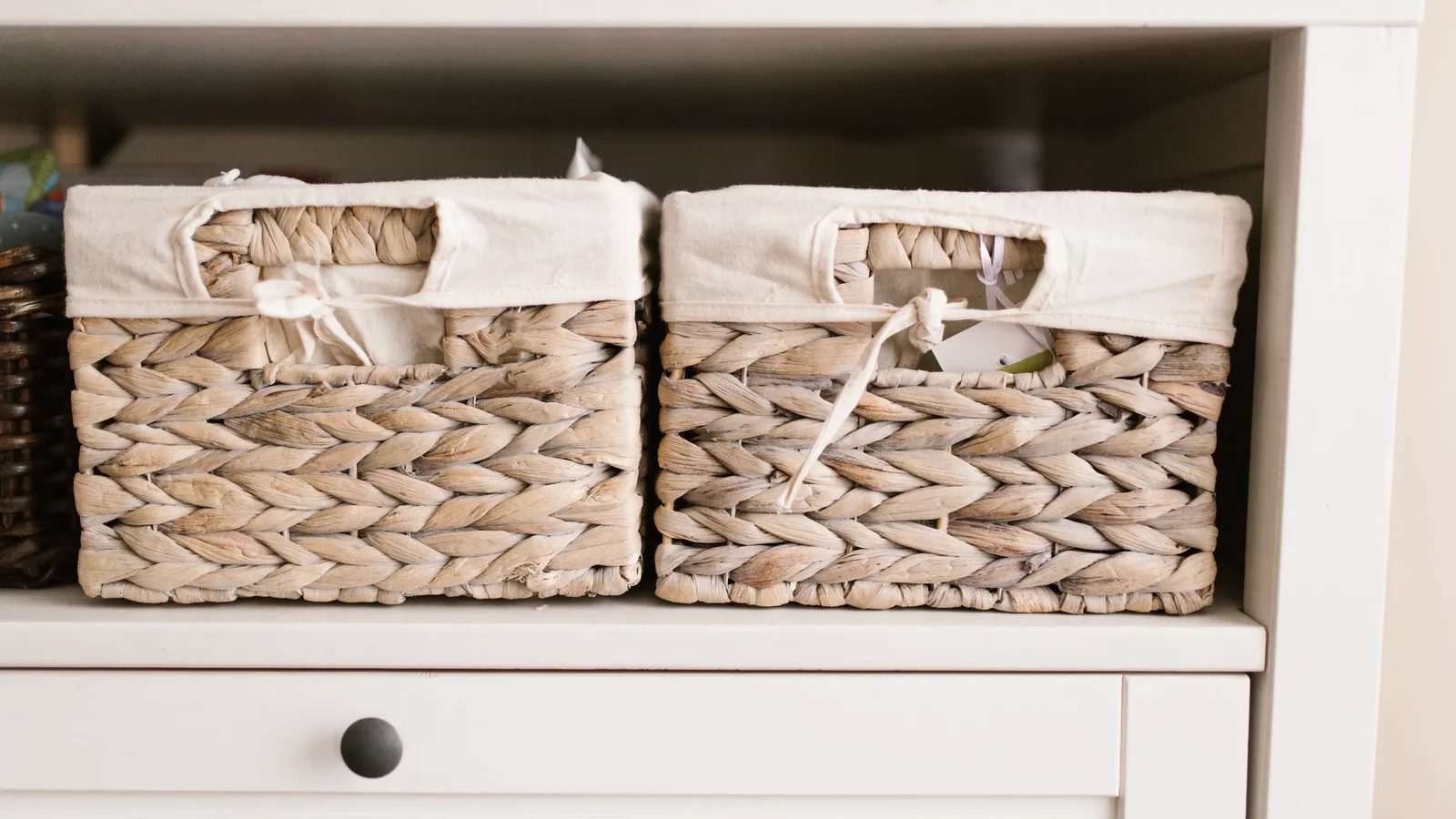
Number, label, and log every box before it goes in
This takes about ten seconds a box, and it is the one habit that makes everything else work. As you pack:
- Give every box a number, and never reuse one
- Photograph what is inside before you seal it
- Log a one-line summary against the number, including whether you are likely to need it again soon
- Write the number on two sides and the top, so it reads however boxes get stacked
If these boxes are coming straight out of a move, this is the same system as packing for the truck, just aimed at a unit instead of a new address. Our guide to tracking boxes when you move walks through the labeling and numbering side in more detail.
Map the unit, not just the boxes
A numbered box only helps if you know roughly where it is. Before you start stacking, decide a rough layout: anything you might need again in the next few months toward the front, true long-term storage toward the back, and a narrow aisle down the middle if the unit is big enough to spare the space. A phone photo of the finished layout, or a two-line note like “front left: boxes 1 to 8, seasonal,” is enough. You are not drawing a blueprint, just leaving yourself a trail.
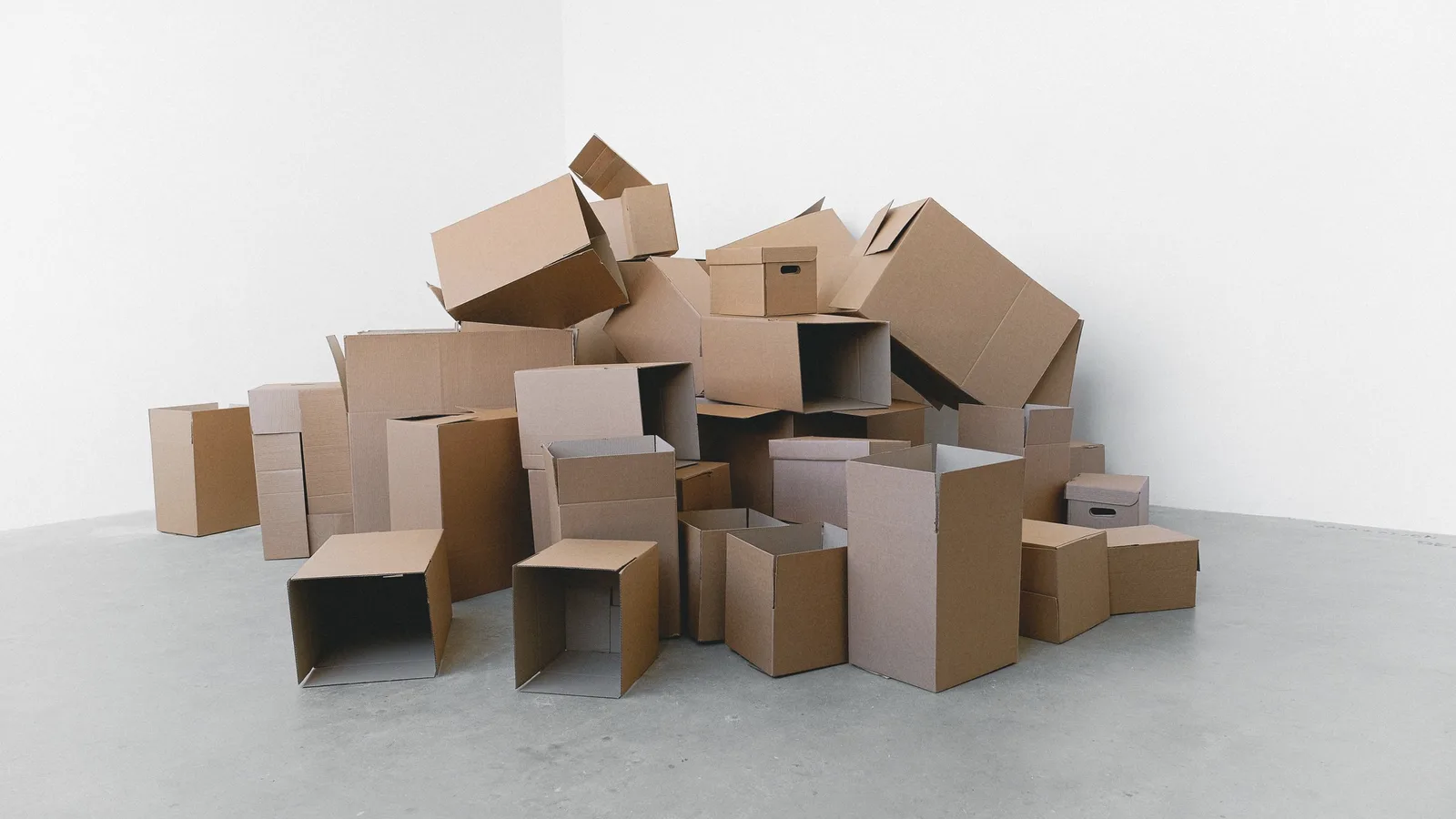
Keep a short list of the handful of boxes you are actually likely to reopen: holiday decorations, off-season gear, the box of cables you swear you will need eventually. Put those nearest the door. Everything you are storing and forgetting on purpose can go wherever it fits.
What is actually worth tracking closely
You do not need a line-item log of every box. Focus on what is expensive, hard to replace, or easy to lose track of over a long stay:
- Furniture and appliances, noted by piece rather than buried inside a box number
- Documents, records, and anything with a serial number
- Seasonal decorations and off-season gear, since these are the boxes people forget they even own
- Sentimental or one-of-a-kind items: photo albums, keepsakes, family pieces
- Anything you are storing specifically because you plan to sell or use it later
This is the same information a home inventory already asks for: a photo, a name, a location, a value, just pointed at a storage unit instead of a house. If you already keep one for the rest of your belongings, the unit is simply another room inside it.
Review it before you pay another month
A storage unit is unusual among your possessions in one way: it keeps costing you money for as long as you do nothing. Set a reminder tied to your lease renewal, or once a year if it is month to month, and actually look at your list. Anything you have not needed since the last review is a candidate to bring home, sell, or donate. It is a rare chance to turn a recurring bill back into cash or closet space, and it only works if you have a list to review in the first place.
The fast way to keep a storage unit inventory current
A notebook works for this, but it has the same weakness it has everywhere else: no photos, easy to leave behind, and nothing to search. A photo-first inventory app keeps the picture, the box number, and the location together and lets you search by name instead of driving out to check. That matters more here than almost anywhere else you would use one. Storage facilities are often the one place with no signal, so an app that works fully offline and syncs later is worth more in a concrete unit than it is at home.
Whatever you use, the rule is the same as everywhere else in your home: build the system when you put something away, not when you are already digging for it. Our guide to remembering where you put things covers the same idea for everything that stays in the house, and the home organization use case covers the rest of what goes on around it.
This article is general information, not insurance or legal advice. Facility rules, insurance requirements, and lease terms vary, so check your own agreement.
Download iFoundIt free and log your storage unit before you seal the next box.
Frequently asked questions
How do you keep track of what’s in a storage unit?
Number every box, photograph the contents before you seal it, and log a one-line summary against each number. Keep a rough map of where boxes sit in the unit, front-loaded with anything you might need again and deeper with true long-term storage, so you can find something without unstacking the whole unit.
What’s the best way to organize a storage unit?
Group similar items together, leave a narrow aisle if the unit is big enough, and put the handful of boxes you might actually reopen nearest the door. Long-term, rarely needed boxes can go toward the back. Label every box on two sides and the top so it reads however it ends up stacked.
Should I keep an inventory list for a storage unit?
Yes, especially for anything you won’t reopen for months. A photo-first log means you can answer “do I still have that” from your phone instead of driving to the facility to check, and it gives you a real list to review before you renew the lease.
How often should I check on a storage unit?
Review your inventory at every lease renewal, or once a year for a month-to-month unit. It is the moment to notice boxes you haven’t needed since the last review and decide whether they are worth the ongoing cost of storing.
Do I need insurance for a storage unit?
Many facilities require or offer contents insurance, and your homeowners or renters policy may or may not extend to an off-site unit, so it is worth checking both. A documented inventory with photos and values makes any claim easier to support if something is lost, stolen, or damaged.