
How to Keep Track of What’s in Storage Bins Without Opening Every Box
By Mubarak Abubakar · October 1, 2026 · 6 min read
To keep track of storage bins, give each one a permanent number, record what goes inside, and save its exact location. A photo helps you recognize the contents; a written item name lets you search. Update the record whenever something moves. You can run this system in a spreadsheet or an inventory app.
The goal is simple: when you need the extension lead, your list should tell you which bin to open and where that bin lives. A label saying “miscellaneous” cannot do that. Neither can an album of twenty nearly identical closed boxes.
Start with three bins, not the whole garage
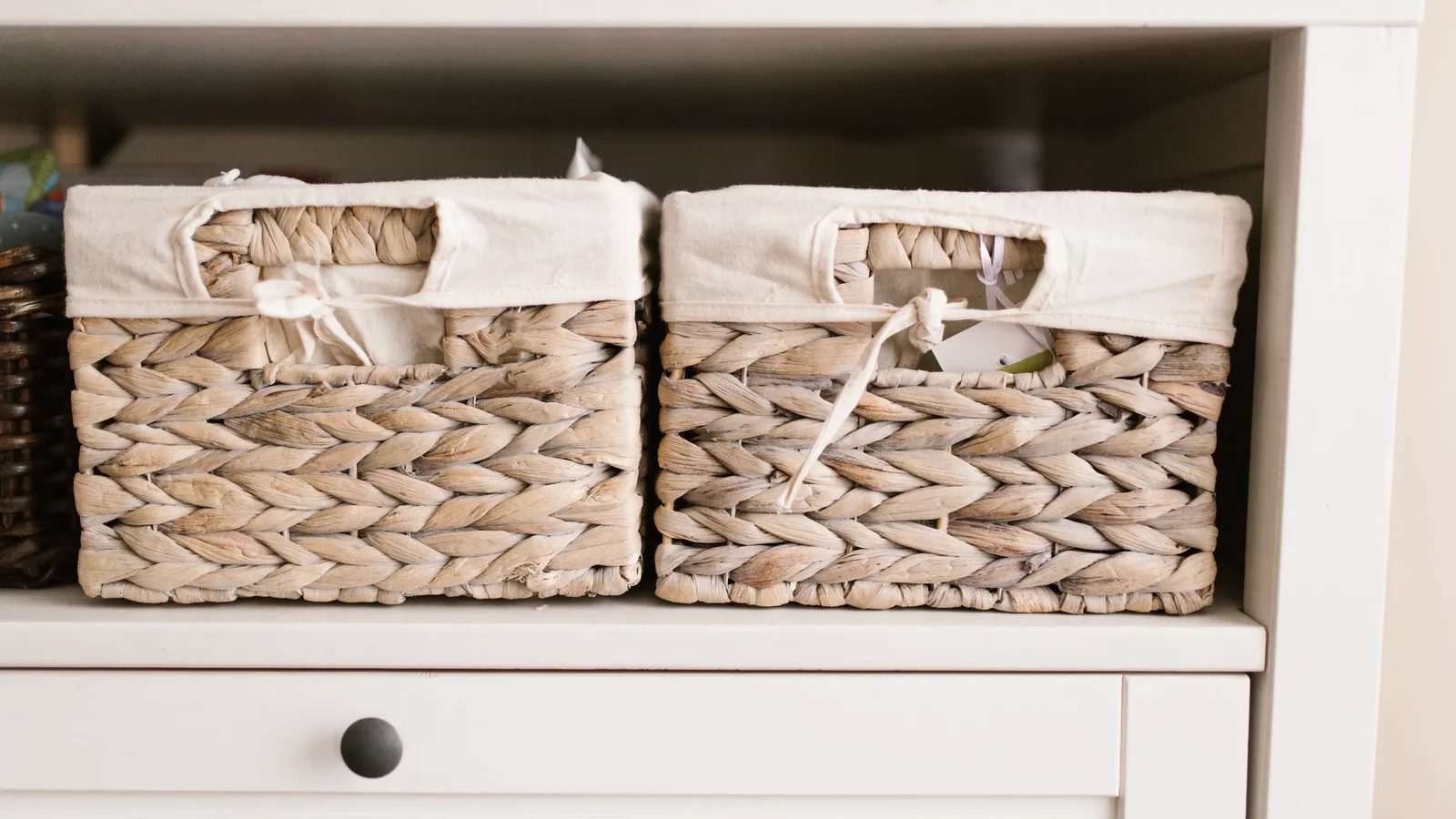
Pick three containers you already search through regularly. Gather a marker, labels and your phone. Open one container at a time, spread out anything hidden below the top layer, and record the contents before putting them back. You do not need new matching containers to begin.
This guide is for storage that stays around the house. If you are packing for a move, use the moving-box inventory guide. If your boxes are off-site, the storage-unit guide adds a layout and access plan.
Give each bin a number that stays with it
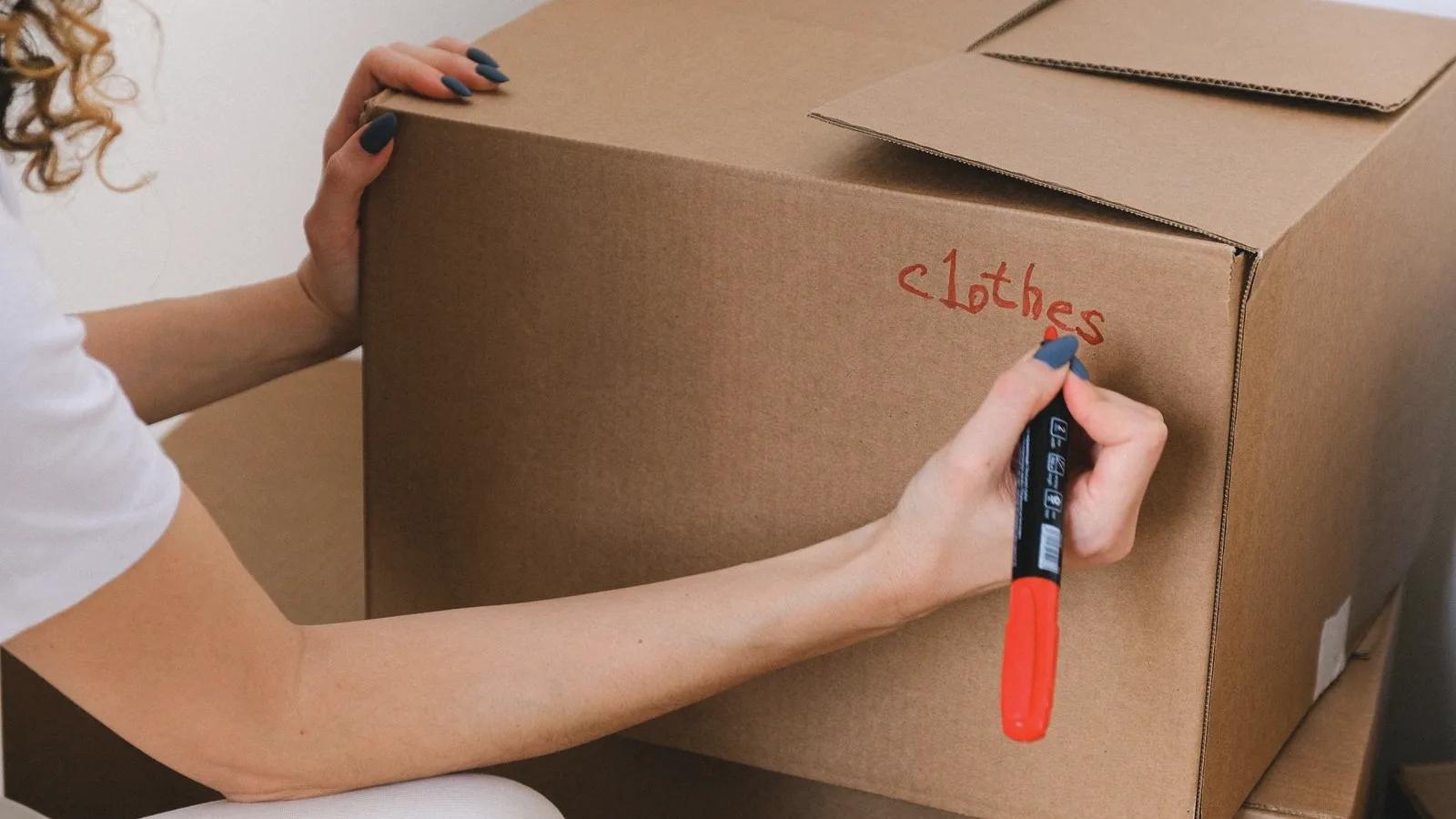
Use short identifiers such as B01, B02 and B03. Put the identifier on the front and one other visible side. Keep the number when you change the contents or move the bin. Its location belongs in your record, rather than being permanently built into its name.
A readable label is enough. QR labels are optional and only useful if your chosen tool supports them. You should still be able to identify a container when your phone is unavailable.
Record an item, a bin and a location
Below is an illustrative inventory, not a screenshot of an app. Each row describes something you might search for. “Garage → Shelf B → middle” is much more useful than “somewhere in the garage.”
| Item | Bin | Location | Useful detail |
|---|---|---|---|
| Orange extension lead | B01 | Garage, Shelf B, middle | 10 metres; beside cable ties |
| Spare picture hooks | B01 | Garage, Shelf B, middle | Small clear pouch |
| Christmas tree stand | B02 | Hall cupboard, bottom | Bolts taped to the stand |
| Guest bed sheets | B03 | Bedroom wardrobe, top shelf | Two double sets |
Download the free storage-bin inventory CSV to open in Excel, Google Sheets or another spreadsheet tool. Replace the example rows with your own belongings. This is a spreadsheet template, not an iFoundIt import file.
Use words you will remember later. “Extension lead” may be useful alongside “extension cord.” Group interchangeable objects, such as a packet of identical hooks, but give items their own records when you need to find them separately.
Take a contents photo and a location photo
Photograph the open bin with the main items visible. Take another photo if smaller objects are hidden beneath them. Then photograph the bin on its shelf with its number readable. The first image answers “is this the right thing?” and the second helps you walk to it.
Keep a written contents list even when you have photos. A picture cannot show the objects under an opaque bag, and it may not distinguish a charging cable from several similar ones. For a more detailed workflow, see how to build a searchable inventory from photos.
Test the system before adding more bins

Close the containers and search your list for “tree stand.” Can you identify B02 and its cupboard without opening B01 or B03? Ask someone else to try using only the recorded location. If they hesitate between two cupboards, improve the description while you are still standing there.
When choosing software, look for a search result that gives you the saved location along with the item name. Our comparison of apps to remember where you put things helps you choose a tool for that task.
Update the list at the moment something moves
If you move a whole bin, change its location. If you move one item, change that item’s bin reference. When you remove something temporarily, leave a note describing where it went. Delete or archive entries for things you give away so the list does not send you looking for possessions you no longer own.
Review the relevant records when you put seasonal items away. You do not have to recount the entire house every week. A small, accurate inventory is more useful than a complete one that has stopped matching the shelves.
Download iFoundIt if you want to keep item photos, names and saved locations together. Start with the three bins you tested, then add more as you use them.
Frequently asked questions
What should I put on a storage bin label?
Use a permanent identifier such as B01 and optionally a short contents summary. Keep the detailed item list and current shelf location in your inventory so you can update them without renaming the bin.
Do I need QR codes to keep track of storage bins?
No. Readable bin numbers and a searchable list are enough. QR codes are an optional shortcut when your chosen inventory tool supports them.
Should I record every object separately?
Create separate records for things you need to find individually. Interchangeable objects, such as identical hooks in one packet, can share a record with a quantity or note.